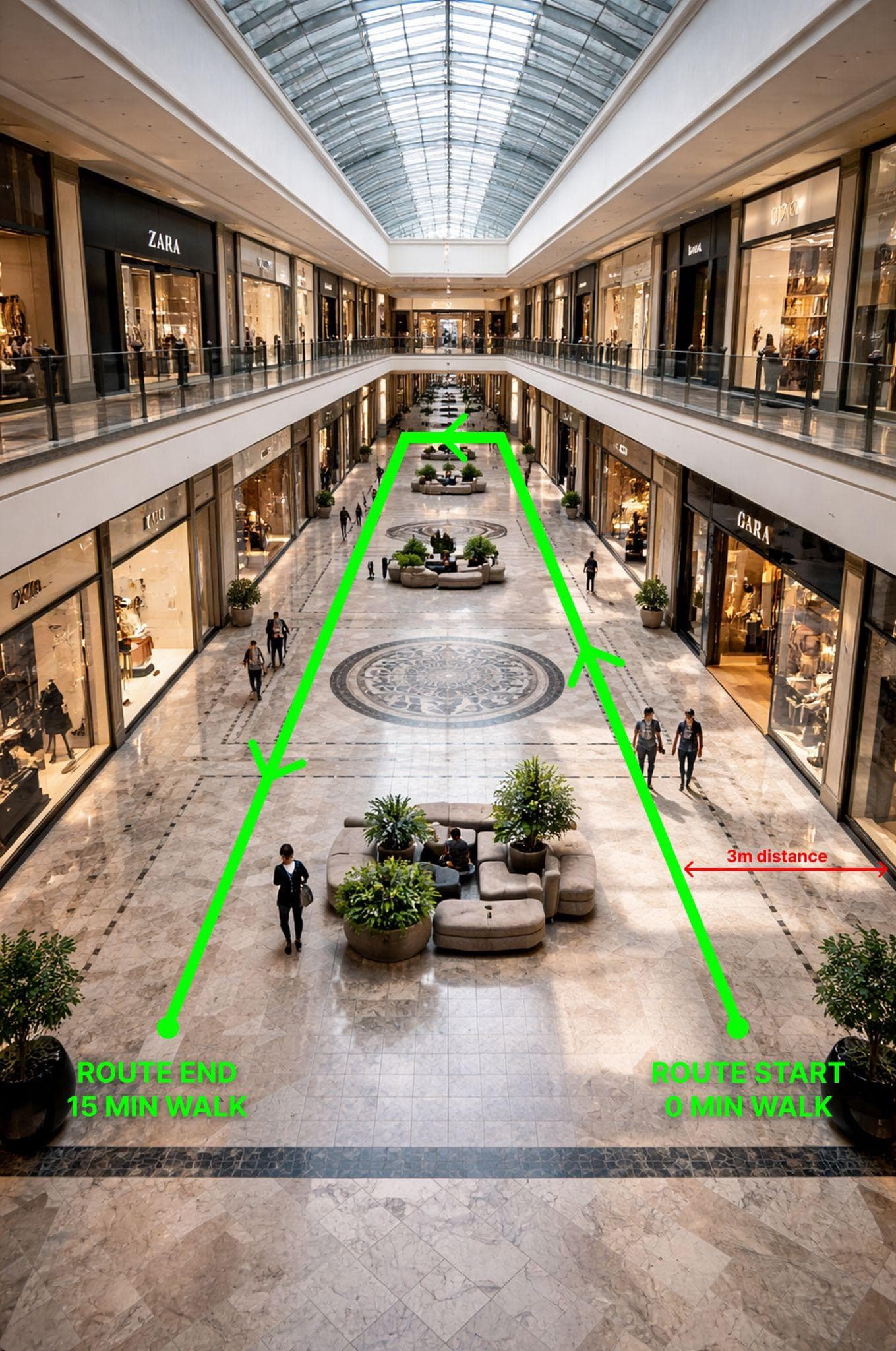
Indoor walkthroughs
Capture rooms, corridors, and connected interiors with a single route-based pass.
Upload panoramic footage and let FreeGaussian reconstruct the scene in the cloud. Use 360 capture to create immersive 3D splats that are ready to view and share in the browser.
Best paths
360°
target
8K
target
24 FPS+
target
Use qualifying 360 video for the free processing path.
Sharper panoramic footage gives the reconstruction more usable detail.
Stable frame sequences improve matching and reduce blur.
Built around panoramic footage
360 video is a strong input for Gaussian Splatting because it records broad spatial context in one pass. FreeGaussian turns that capture into a web-friendly 3D scene without local GPU setup.
Start from panoramic footage instead of preparing large photo folders by hand.
360 cameras capture walls, paths, ceilings, and surrounding context while you move through the scene.
Review your generated splat in a browser and share the result with clients or collaborators.
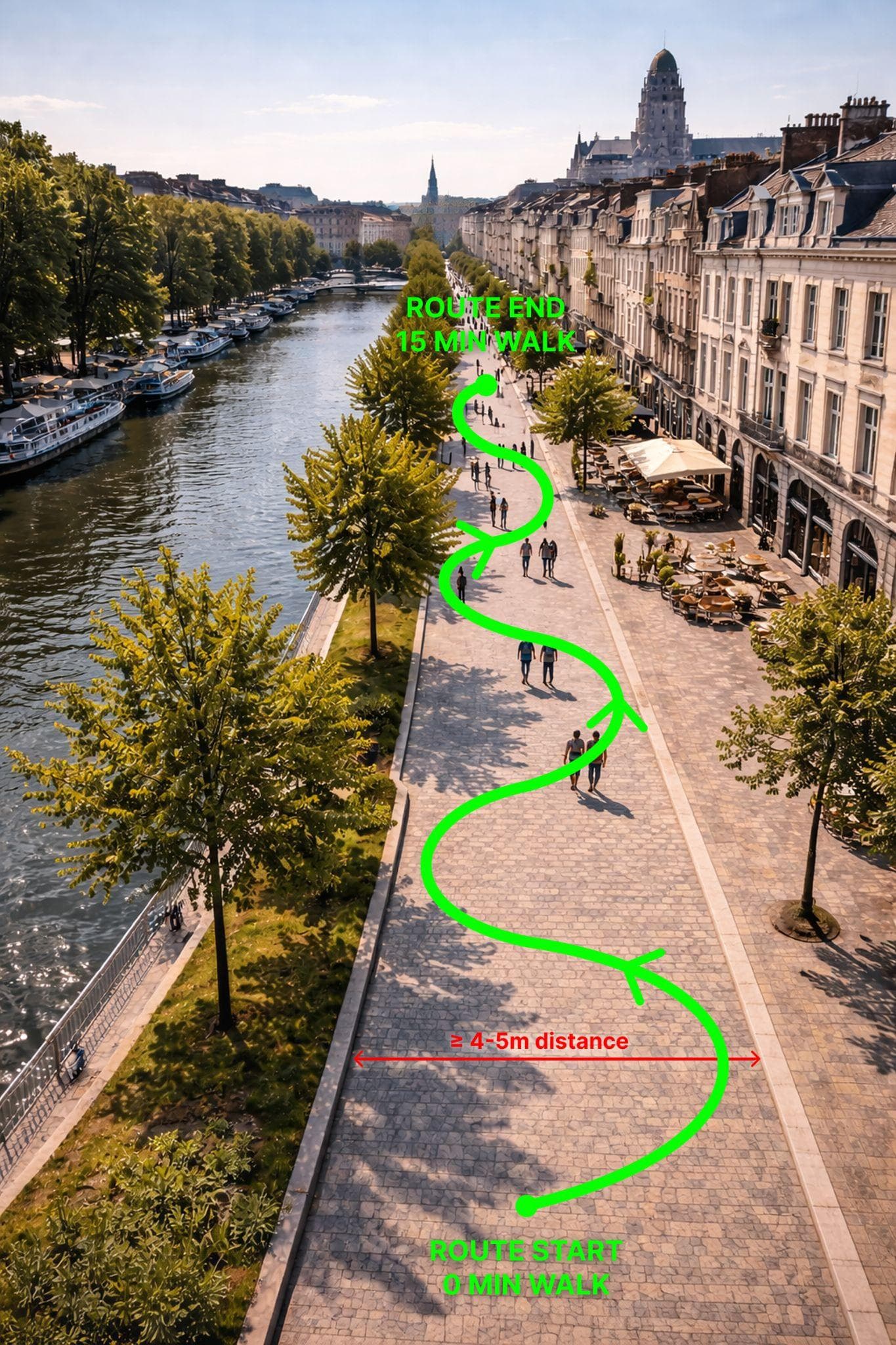
Capture path
Move smoothly through the environment and keep a steady path. Good 360 footage makes the downstream splat cleaner and easier to explore.
360 workflow
Best scenes
Capture rooms, corridors, and connected interiors with a single route-based pass.
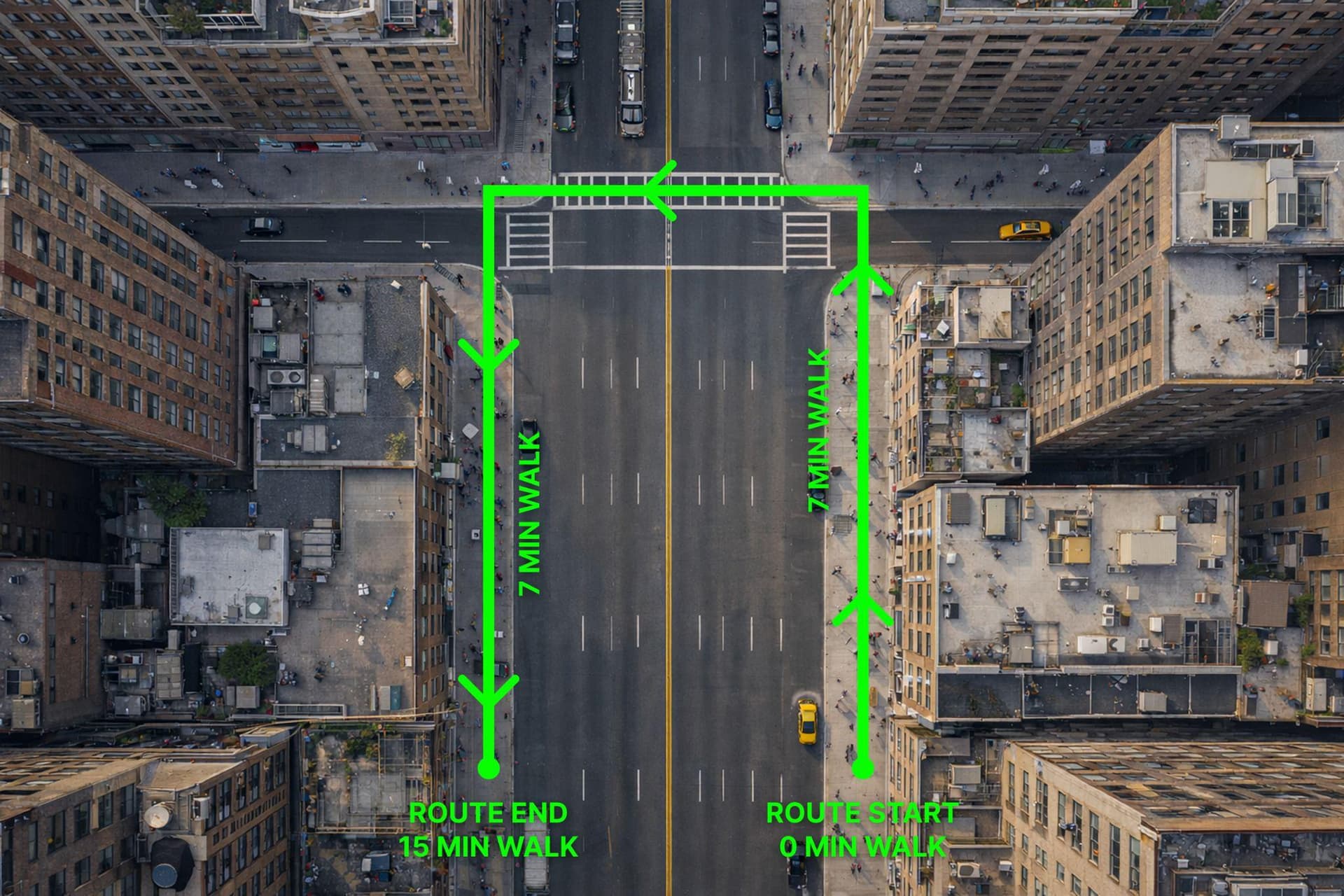
Use steady walking footage to reconstruct outdoor environments and public-facing spaces.
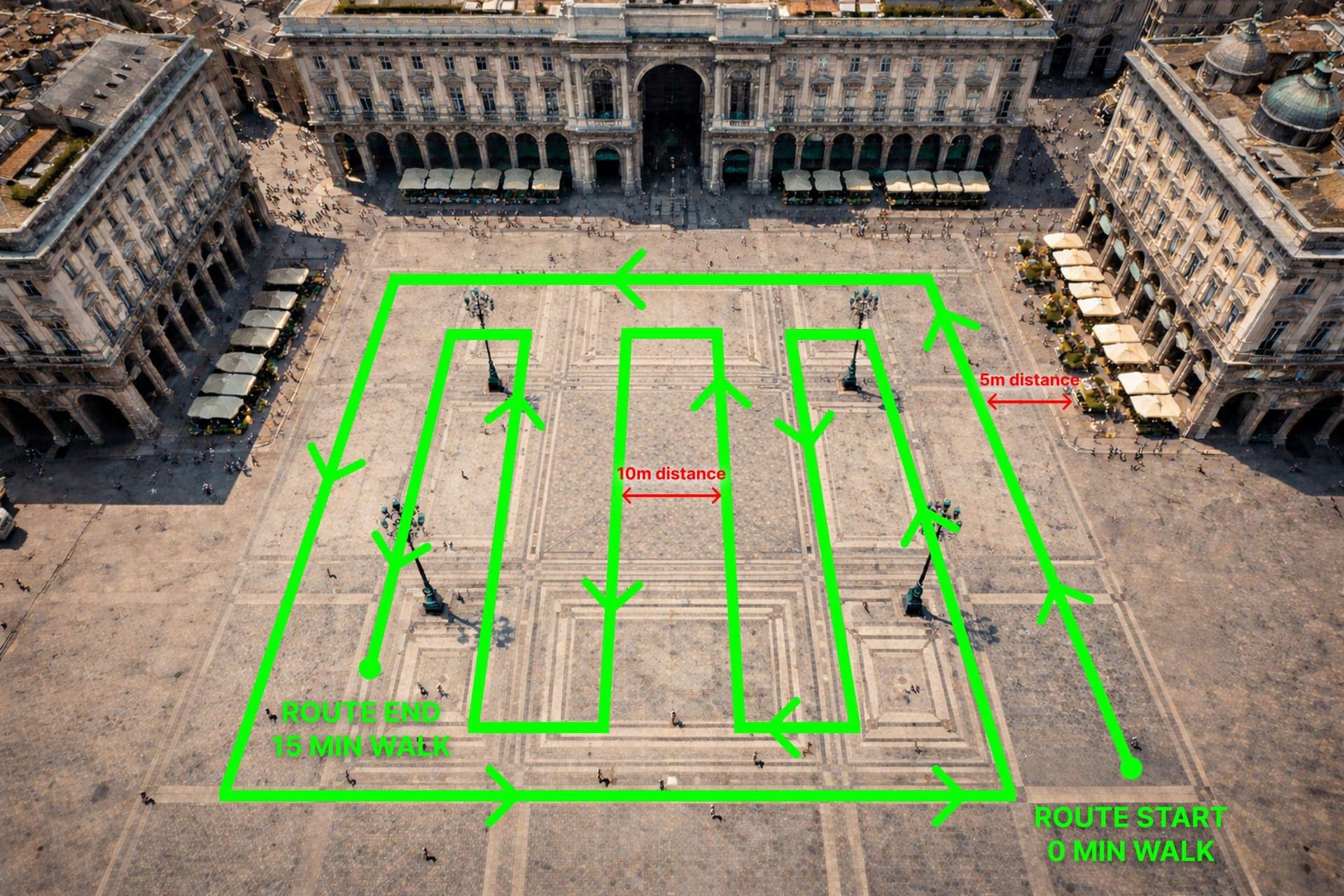
Record broad plazas, courtyards, and paths where continuous coverage matters.
The free workflow is best for qualifying 360 video. Private processing remains available when you need broader formats, ownership controls, or photo uploads.
Best match for this workflow and the free processing path.
Slow, consistent motion reduces blur and improves reconstruction quality.
Use private processing for broader input options and data ownership.
Ready to generate